- January 27, 2026
- Categories: Digital Marketing
Mobile SEO Guide: How to Be Mobile-First in 2026?
Have you ever clicked on a website on your phone, waited…. and then left? Your customers do the same thing. That is why mobile SEO matters. It has an effect on how quickly people trust you, how long they remain, and even if they see your offer. On a small screen, little problems feel big. One extra second of loading is annoying. It’s even frustrating to have a button that is hard to click. People will leave if a page takes too long to load, moves around, or makes key information hard to find.
Such issues can be fixed with Mobile SEO optimisation. It makes pages load quickly, read well, and work well on phones. It also simplifies webpage comprehension for Google. Mobile SEO optimisation is crucial, and this guide explains how.
What Is Mobile SEO and Why Does It Matter?
Mobile SEO is making a website work properly on phones and tablets. The goal is simple. Pages should load fast. Text should be easy to read. Menus should be clear. Buttons should be easy to tap. The layout should fit the screen without zooming or side scrolling.
For UK businesses, this can generate some real results. A mobile-friendly site can rank better on mobile search. It can draw in more local visitors. It can further aid in converting visits to calls, form submissions, and bookings. Mobile SEO also covers technical setup, page speed, and how content sits on the page. This is important since a lot of people surf on their phones. Google also looks at the mobile version of a site when it decides how to rank it.
Key Reasons Mobile SEO Is Important
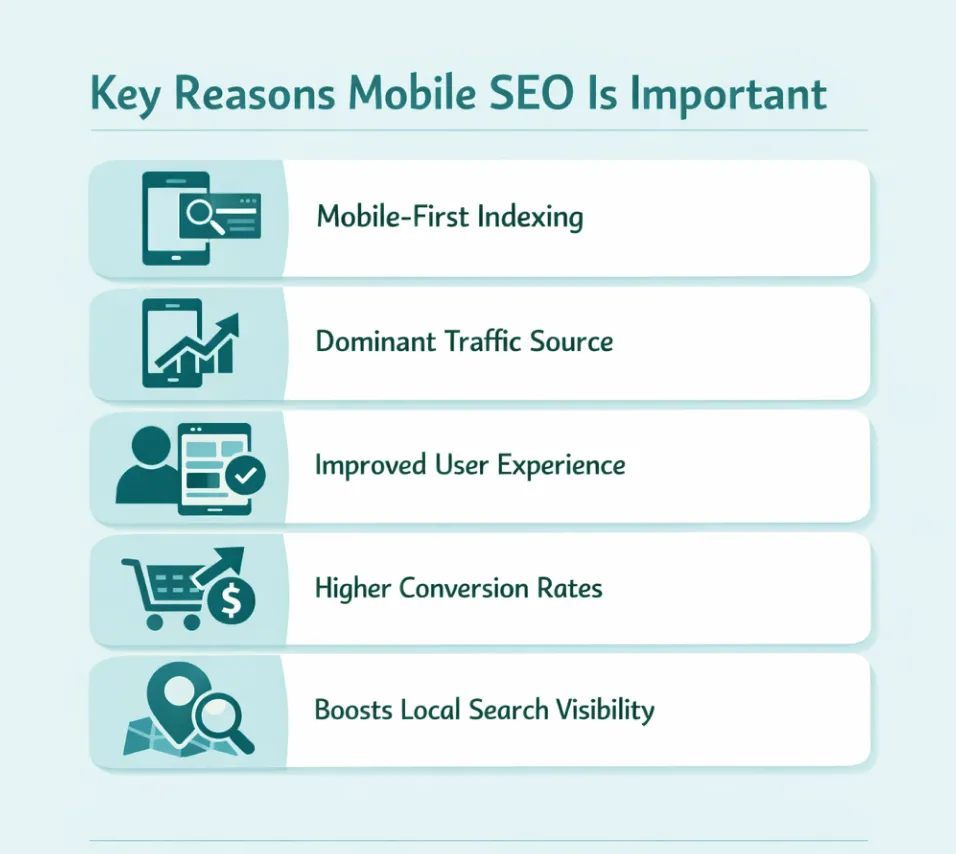
So why does mobile SEO matter so much? Here are the key reasons:1. Mobile-First Indexing
For indexing and ranking, search engines mostly use the mobile version of your content. Your SEO can go down if your mobile site hides material, limits resources, or has weaker internal linkages than your desktop site.2. Primary Traffic Source
Mobile is a big source of traffic. Even if your customers buy on a desktop, they often find you on a mobile device first.3. Improved User Experience
On mobile, users desire quick replies and effortless interactions. If users have trouble reading, scrolling, or finding what they need, they leave. Better mobile experience usually equals better performance.4. Higher Conversion Rates
Sales and leads are affected by how fast and easy things are. Google research shows that many people leave a mobile page if it takes more than three seconds to load. So speed isn’t merely a “technical” thing. It’s business.
If you want practical local visibility tips, you can also read our guide on GMB optimisation tips.
How to Be Mobile-First in 2026?
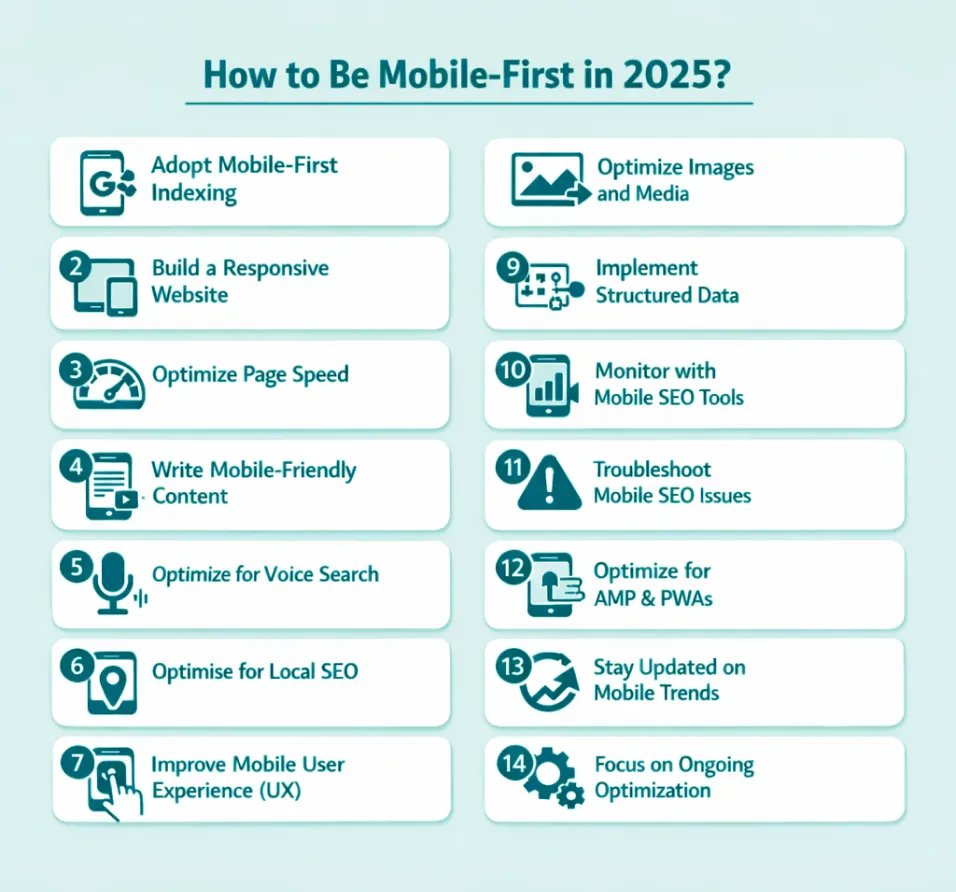
Here is a practical playbook. Start with responsive design, speed, and clear content first. After that, improve the technical parts and track results over time.1. Adopt Mobile-First Indexing
You can’t “turn on” mobile-first indexing by yourself. You can make sure that search engines perceive the same vital value on mobile as they do on desktop. The idea is simple: the mobile version can’t be a smaller version. Look over these basics:- Main material (text, photos, videos) is the same on mobile and desktop.
- Same headers (H1–H3), internal links, and key navigation.
- Same title tags and meta descriptions.
- Same schema for structured data when it makes sense.
2. Build a Responsive Website
A site that adapts to screen size is responsive. This mobile SEO strategy is safest because you keep one URL and signals. Quick checks for quality of responsiveness:- Use the right viewport meta tag for site scaling.
- Use flexible layouts without fixed-width elements that require side scrolling.
- Make buttons and links easier to tap (no tiny targets).
- Keep forms simple and thumb-friendly.
3. Optimise Page Speed
Speed affects ranking and conversion. Slow mobile page loading wastes SEO and ad money. Core Web Vitals is important in 2026, especially:| Core Web Vital | What It Measures | Target for Mobile |
|---|---|---|
| LCP (Loading) | How quickly the main content loads | 2.5 seconds or less |
| INP (Responsiveness) | How fast the page reacts to user actions | Under 200 milliseconds |
| CLS (Visual stability) | How much the layout shifts while loading | 0.1 or lower |
Simple speed wins that usually make a difference:
- Resize and compress photographs so that they are the proper scale for mobile.
- Use modern formats like WebP or AVIF where possible.
- Load photos that are below the fold slowly.
- Minify CSS and JavaScript. Get rid of scripts that aren’t needed. Put off running JavaScript that isn’t important.
- If you serve users in different areas, employ caching and a CDN.
- You can make your server respond faster by upgrading your hosting or improving your backend.
4. Write Mobile-Friendly Content
People who read on their phones scan. They don’t read long blocks of text. The goal is not “short content.” The goal is “simple content.” Check out this layout:- A one- or two-line introduction that lets the user know they are at the proper place.
- H2 and H3 headings that are helpful and answer real issues.
- Bullet points where they make sense.
- Important information at the top (don’t hide answers at the bottom).
- In one paragraph, write down one important concept.
- Don’t use big sentences that go on and on.
- Use basic language until a technical term is needed.
- In the next phrase, explain what the technical term means.
5. Optimise for Voice Search
Voice searches tend to be lengthier and more like a conversation. They also use a lot of inquiries like “how,” “best,” “near me,” and “what’s the cost.” For mobile SEO, voice search work is primarily about making strong content:- Put short, direct replies at the head of important sections.
- Use headlines that seem like real queries.
- Make a good FAQ section and keep the responses short and to the point.
- Put the definition first, then the specifics in the format of a featured snippet.
Here’s a Quick Tip!
Write like people chat. Your answer should read like a sentence if the question is like one.
6. Optimise for Local SEO
Mobile-first usually means local-first. Clear location details help search engines and users trust your business. Key local basics to check include:- Your name, address, and phone number should be consistent across all pages.
- Place your location on your contact and service pages.
- If relevant, provide a Google Map.
- Only create pages for crucial services if you can help people.
- Request and respond to reviews to generate trust and clicks.
7. Improve Mobile User Experience (UX)
Mobile SEO optimisation happens in UX. Even an “optimised” page can be difficult to use. Pay attention to how easy your site is to use on a phone:- Essential pages should be one or two taps away.
- Service businesses should use sticky call buttons or clear CTAs.
- Make sure that the font is readable without zooming.
- Allow space between links and buttons to avoid errors.
- Use autofill and clear error messages to shorten forms.
- Keep pages from jumping as banners or images load.
If you run a Shopify store and want to strengthen both mobile and ecommerce visibility, also read our Shopify SEO guide.
8. Optimize Images and Media
Most of the time, images are what slows down mobile devices. Don’t use them as decoration; use them as performance assets. Follow this list:- Resize to the largest size needed on mobile.
- Compress without losing quality that is easy to see.
- If you can, serve WebP or AVIF.
- For photos that aren’t important, use lazy loading.
- Don’t let heavy videos play automatically on mobile.
- Add image alt text for accessibility and comprehension.
- Use a light feature image at the top. One picture may make or break your LCP.
9. Implement Structured Data
Structured data helps search engines understand and improve results. Mobile SEO benefits when screen space is limited and search engines demand clearer signals.
Types of common schemas:
- Article/BlogPosting (for writing).
- FAQPage (for frequently asked questions, when they are correct).
- LocalBusiness (for businesses in the area).
- Product and Review (for ecommerce, when compliant).
- Put structured data with content that can be seen.
- Do not mark up anything that is buried on mobile.
- Check your schema and repair any mistakes right away.
10. Monitor with Mobile SEO Optimisation Tools
You guess if you don’t measure. A simple practice maintains mobile SEO steady over time. Tools to use:- Google Search Console: indexing, Core Web Vitals, and problems with mobile devices.
- PageSpeed Insights: tips on how to improve your site’s performance and real user signals.
- Lighthouse (Chrome): fast checks for performance and user experience.
- GA4: keep track of how mobile and desktop users act and convert.
- Semrush or similar: site audits and problem monitoring.
11. Troubleshoot Common Mobile SEO Optimisation Issues
These are the most common reasons why rankings or conversions go down. Do these things initially before making greater adjustments.
Some common problems and fast treatments are:
- Content wider than screen: remove fixed-width items, adjust the CSS, and examine the tables and banners.
- Text too small: raise base font size and line height for mobile.
- Tap targets too close: add space, make buttons bigger, and make menus easier to use if you tap targets too close.
- Slow loading: compress hero images, reduce heavy scripts, cache material, or upgrade hosting to speed site loading.
- Laggy pages: reduce JavaScript, delay third-party scripts, and remove unnecessary plugins.
- Shift in layout: leave room for graphics and banners, and don’t put things above content.
- Blocked resources: check that images, CSS, and JS may be crawled.
- Mobile content weaker than desktop content: restore content parity.
- Pop-ups are blocking content: try using smaller banners or delaying options.
12. Optimise for Accelerated Mobile Pages (AMP) and PWAs
AMP can help with speed in some setups, but it is not required for most websites. Focus first on a fast mobile site with strong Core Web Vitals before adding AMP or other advanced features. They make your site fast, slick, and sometimes usable offline, making it feel like an app.
Despite their user experience, PWAs must follow SEO basics:
- Clean URLs.
- Crawlable content.
- Good internal linking.
- Strong Core Web Vitals.
13. Stay Updated on Emerging Mobile Trends
Mobile search changes frequently, and even minor layout changes might affect hits. This tendency continues in 2026. Search engines rank pages that load quickly, work well, and answer the issue clearly.
Here are the trends to watch:
- Check out additional screen sizes and foldable phones (experiment with various devices).
- More AI-like search results (make your website easy to skim and quote).
- Focus on field data analytics showing real user interactions with the product.
14. Focus on Ongoing Optimisation
Mobile SEO is not a one-time job. Maintaining a schedule will keep your site healthy:- Weekly: examine Search Console for error spikes and performance issues.
- Monthly: test top mobile landing pages’ speed.
- Quarterly: technical audit covering crawls, redirects, canonicals, internal linking, and thin pages.
Vodafone Case Study
Vodafone ran a test on its website and focused on mobile loading speed. The ultimate aim was to enhance what users were seeing first on the page.
A few changes made the biggest difference:
- The key page content was rendered earlier on the server.
- Heavy JavaScript was reduced or delayed.
- Images were optimised and the hero image was resized.
- Non-critical resources were pushed to load later.
Result
The result was clear. Vodafone reported a 31% improvement in LCP and 8% more sales. It also saw a 15% lift in lead-to-visit rate and an 11% lift in cart-to-visit rate.
Conclusion
Focus on mobile SEO first in 2026. It usually brings better results. The site should load fast on a phone. It should look right on any screen size. The content should be easy to read. Use short lines and clear headings. Check the main pages often. Fix the biggest problems first. Keep making small improvements over time. This keeps mobile SEO successful even when search engines change the rules.Want your website to rank better on mobile, not just look “fine” on a phone?
That’s exactly what we help with at XoomPlus. Explore our Digital Marketing services to improve your mobile speed, fix Core Web Vitals, strengthen your mobile UX, and build a clean mobile SEO strategy that brings in real leads.
FAQs
Can I Do SEO With My Phone?
Yes, you can do some SEO tasks on your phone. You can edit content in a CMS, reply to reviews, check Search Console basics, and track rankings. But for deep mobile SEO work (like audits, Core Web Vitals checks, and technical fixes), a laptop is usually easier.
How to Develop Mobile First?
Start by designing the page for a small screen first. Put the main answer and the main CTA near the top. Keep navigation simple. Then build up for larger screens. This approach usually improves mobile SEO because you avoid “desktop-only” layouts that break on phones.
What Is a Mobile First Strategy?
A mobile first strategy means you prioritise mobile users in design, content, and performance. You assume the user is on a phone, possibly on a slower connection, and wants quick action.
What Is Mobile First Experience?
It is the real experience a user gets on mobile: how fast the page loads, how easy it is to read, how easy it is to tap, and how quickly they can complete a goal (call, buy, book, or read). A strong mobile first experience supports mobile SEO and conversions.
What Is the 80/20 Rule in SEO?
It means 20% of your SEO work often drives 80% of results. For mobile SEO, that “20%” is usually: responsive design, fast loading, clean UX, content clarity, and fixing the biggest technical errors in Search Console. Start there before chasing advanced tactics.
Why Does Mobile Speed Matter for SEO?
If you view website from mobile and it feels slow, search engines notice too. Compress images, use caching, and minimise scripts. Faster pages reduce bounce rate, improve Core Web Vitals, and support higher mobile SEO visibility.